Design
My aim during the design process was to create an aesthetically pleasing user interface without compromising on usability. This actually turned out as a quite challenging task as the layout of the phone screen was very constraining. However I still tried to display all the relevant information on one screen to keep the app simple and easy to use.
Typography
When I was looking for fonts I had a modern but simple look in mind. That's why I was quite happy when I came across Muli on Google Fonts. The different font styles also came in handy whilst I was creating a hierarchy in the user interface. I used Muli for the main part of my project and the Oswald Medium additionally for the heading.
Muli Extra Light
Muli Light
Muli Regular
Muli Semi Bold
Muli Bold
Muli Extra Bold
Muli Black
Oswald Medium
Colours
With the help of the AI powered colour generator Colormind I managed to find a suitable colour palette for Time Clerk. I had to change the colours slightly though as the original colours were a bit pale for my taste.
#1F3B54
#63BAAA
#F7AE25
#DB6012
#A11006
#9D9D9D
Icons
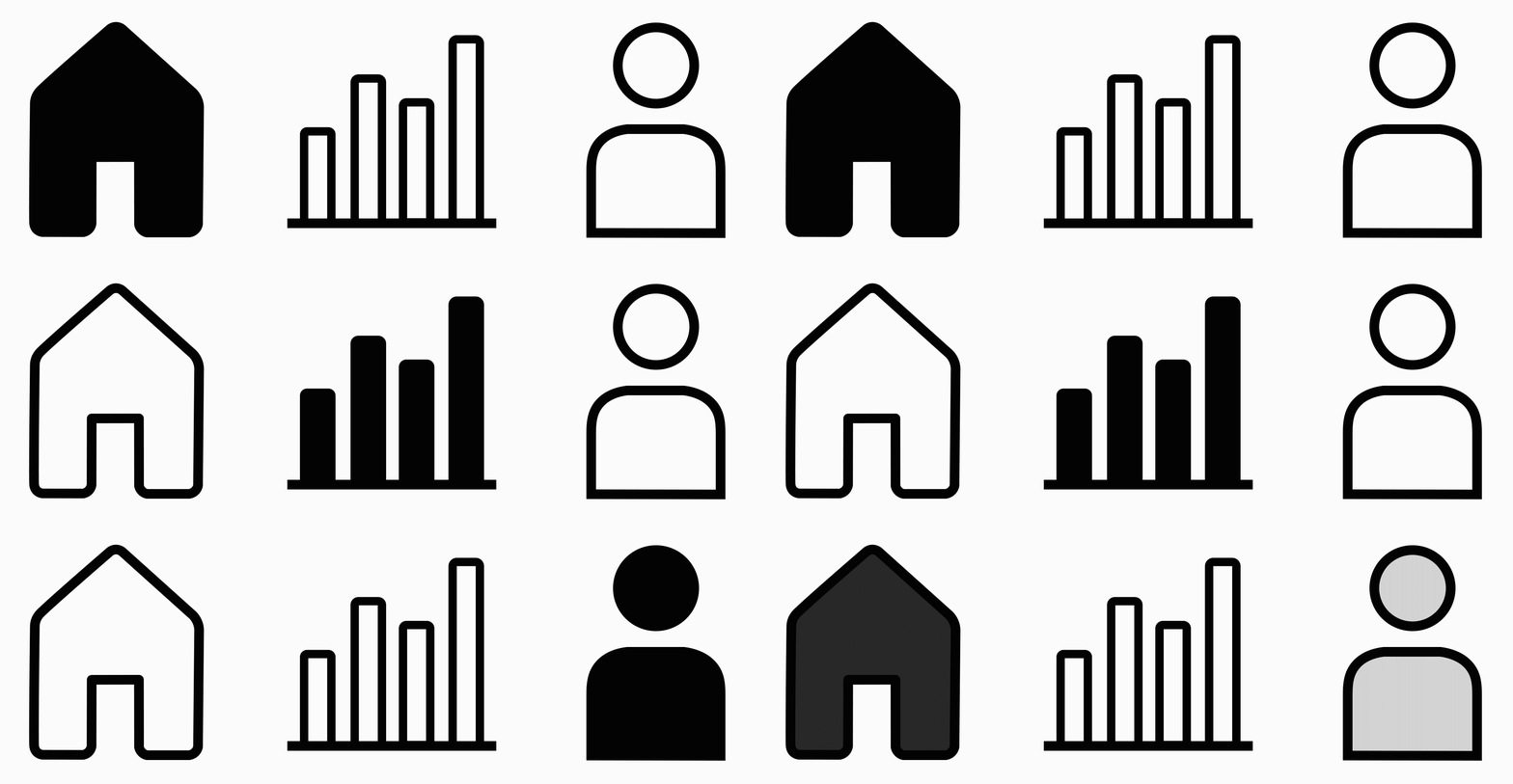
For this app I only used Icons in the navigation bar. I created the Icons with Adobe Illustrator and made sure the stroke width, roundness and level of detail all are identical. The filled icon helps to show the user where he is currently located in the interface.
Screen Design
After finishing the wireframes and the rough sketching on paper I started designing the screens with Adobe XD. As the design process is also very iterative I still made a lot of changes whilst I was bringing my design from paper to XD. Below you can see for example how the design of the home and the stats screen changed.
UI Animation
The final stage of the design process was to add Motion to the interface. I did this with the help of Adobe After Effects. To make sure the motion feels natural I applied easing to the movements.